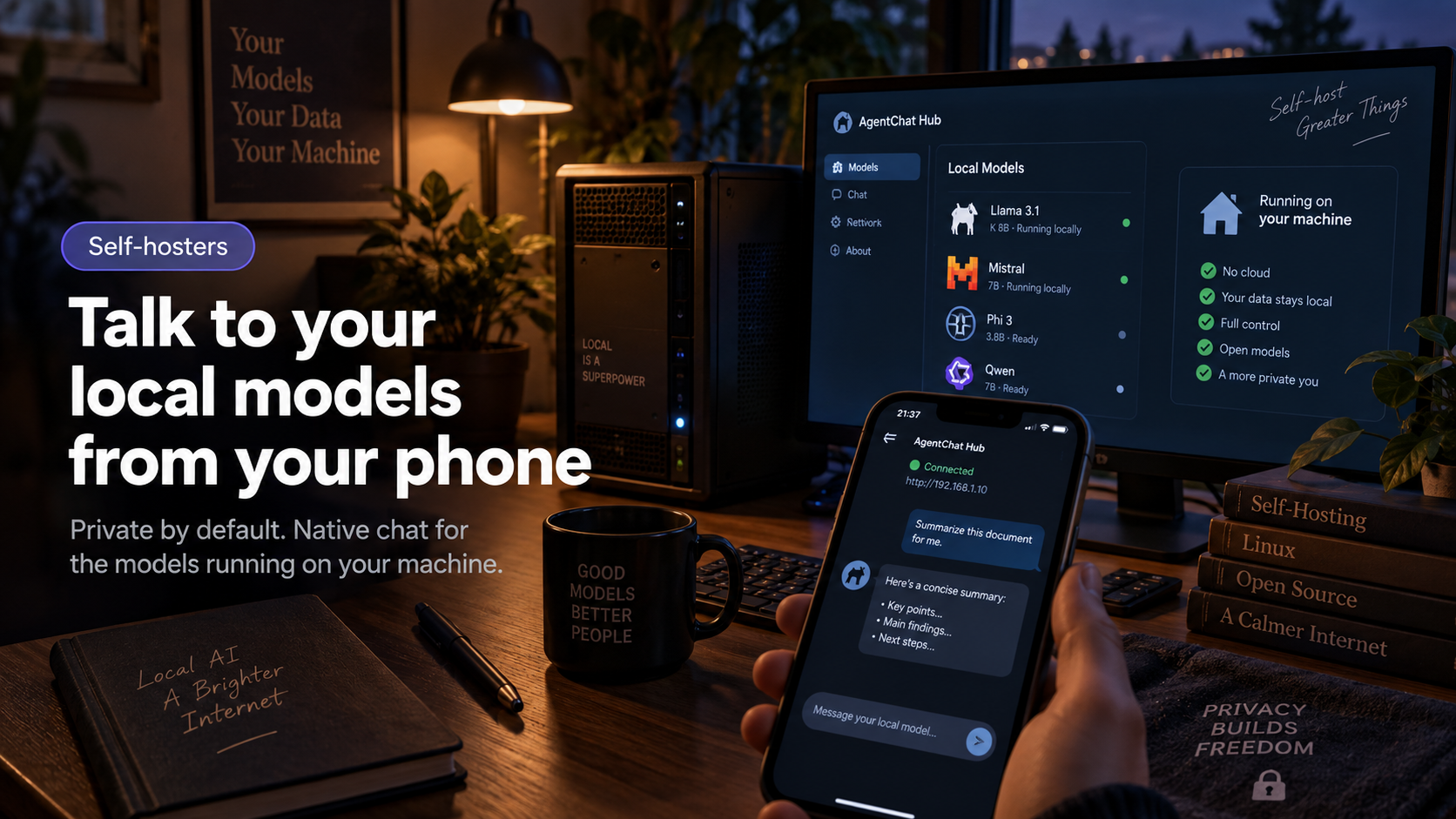
Local AI has a mobility problem. Your Ollama or LM Studio setup runs on a machine at home, but the interfaces for it live on that same machine. Step away from the desk and your models are out of reach.
AgentChat Hub discovers local models and gives them a proper native chat interface on iPhone, iPad, and Mac — so the model stays on your hardware, and the conversation goes where you go.
Why local + AgentChat Hub works well together
- Your model, your hardware — AgentChat Hub is just the interface
- No account and no cloud sync: conversation history stays on your device
- The same app also talks to hosted agents and cloud models, so local and remote AI live in one place
A typical setup
Keep a model running in Ollama or LM Studio on your desktop or home server. Add it to AgentChat Hub, and it appears alongside any hosted agents you use — one list, one tap to switch.
Because AgentChat Hub also supports cloud providers with your own API key, you can compare the same prompt across a local model and a hosted model without switching apps.
The privacy angle
This is the pairing privacy-conscious users end up with: a local model for anything sensitive, and an app that collects nothing and stores history on-device. AgentChat Hub has no analytics, no advertising, and no account system — the app holds your data, nobody else.
Try it yourself
The interface your agent was missing.
Free on the App Store. No account, no tracking — your conversations stay on your device.